 Cascade
A card for your map, with every skillset on it
A good description tells players what a map is before they download it. Cascade's Map Card puts the numbers people look for into one image: star rating, BPM, length, note and long note counts, and the MSD rating of every skillset, so a stream map reads as a stream map at a glance.
Open the editor and make a card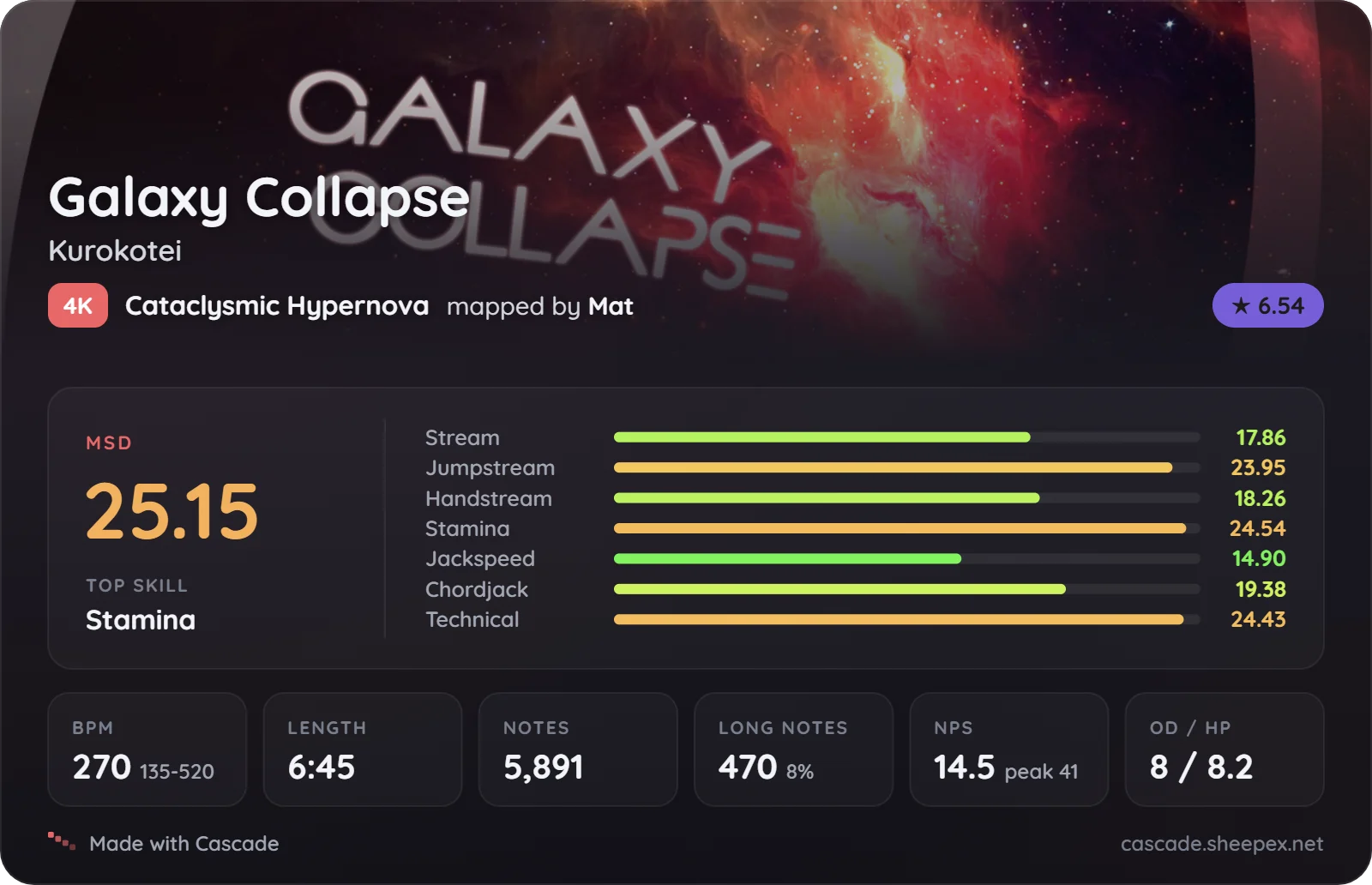
Built from the map, not typed in
Title, artist, mapper and difficulty name come from the map's metadata. Star rating, BPM, length, note counts, notes per second, OD and HP are the same numbers the editor shows while you map, so the card never disagrees with the chart.
Every MSD skillset
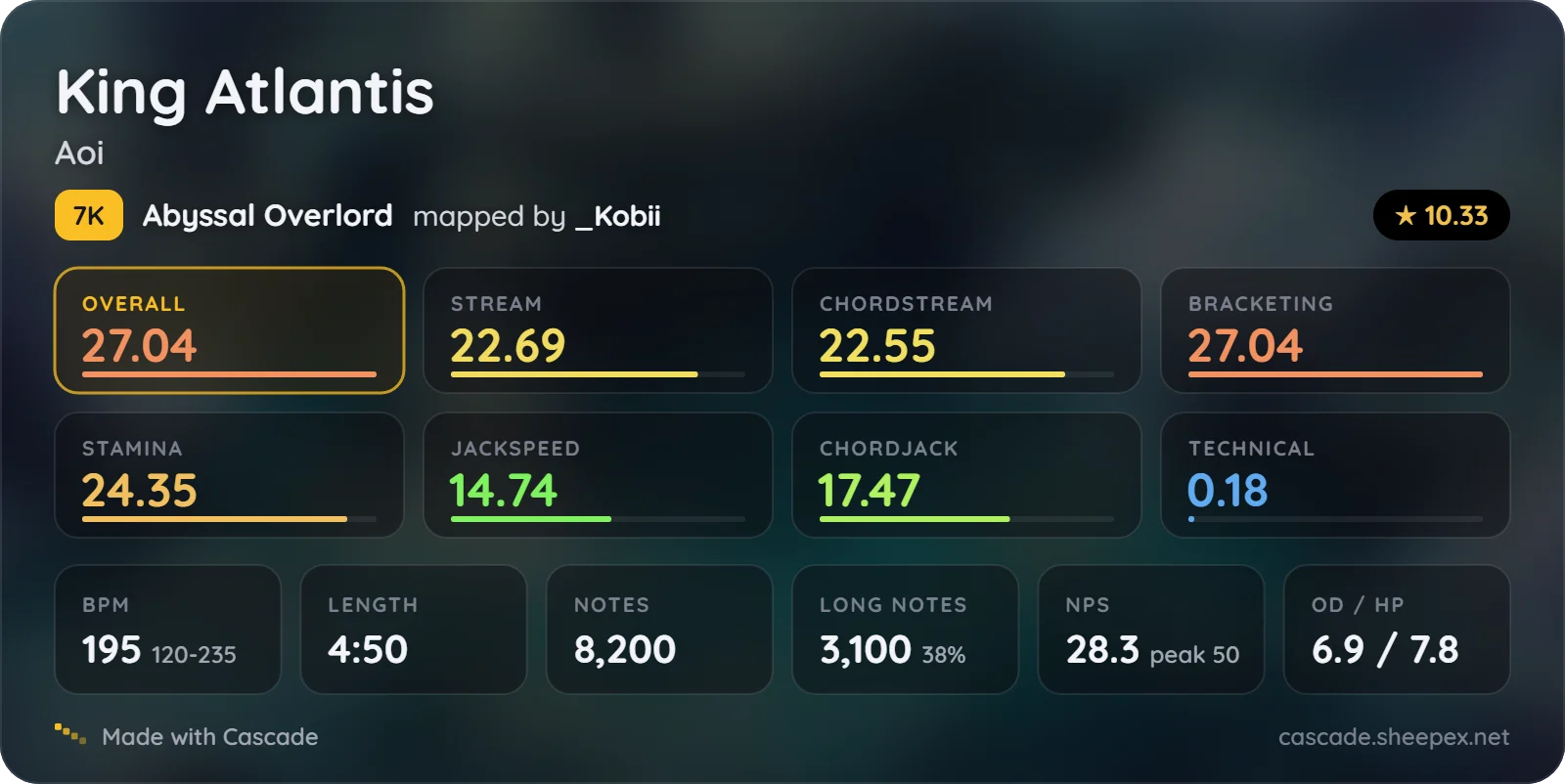
For 4K, 6K and 7K difficulties the card runs Etterna's MinaCalc and shows the overall MSD next to stream, jumpstream, handstream, stamina, jackspeed, chordjack and technical, as bars, tiles or compact pills. Other key counts get the star rating and the map stats.
Make it yours
- Background: the map's background as a banner, blurred behind the whole card, or the plain Cascade style.
- Layout: a detailed card for the description, or a compact strip for Discord.
- Accent: Cascade red, a few calm colours, or the colour of the difficulty's star rating.
- Stats: turn any line on or off.
- Presets: five built-in looks, plus your own, saved to your account.
One link that stays up to date
Download a PNG, copy the image straight into Discord, or host it on
Cascade. A hosted card gets a direct image link, so it works inside
[img] tags:
[img]https://cascade.sheepex.net/card/your-card.png[/img]
Update the card after a change and the link stays the same, so the description you already posted shows the new version. Cascade can also offer a card right after you export a map.
Hosting needs an osu! login. Everything else, including the PNG download, works without an account.