Installer .exe
Installs Cascade and adds it to your Start menu.
 Cascade
Open in browser
Cascade
Open in browser
Edit your maps offline in a separate window.
Windows 10 and 11 · 64-bit
Installs Cascade and adds it to your Start menu.
For deployment through Windows Installer.
Run it from any folder. No installation needed.
macOS 11 or newer · Intel and Apple Silicon
One universal build for Intel and Apple Silicon.
64-bit · AppImage, deb or rpm
Runs on most distributions without installing anything.
For Debian, Ubuntu and derivatives.
For Fedora, openSUSE and derivatives.
Everything the browser editor does, in its own window, plus a direct line to your osu! install.
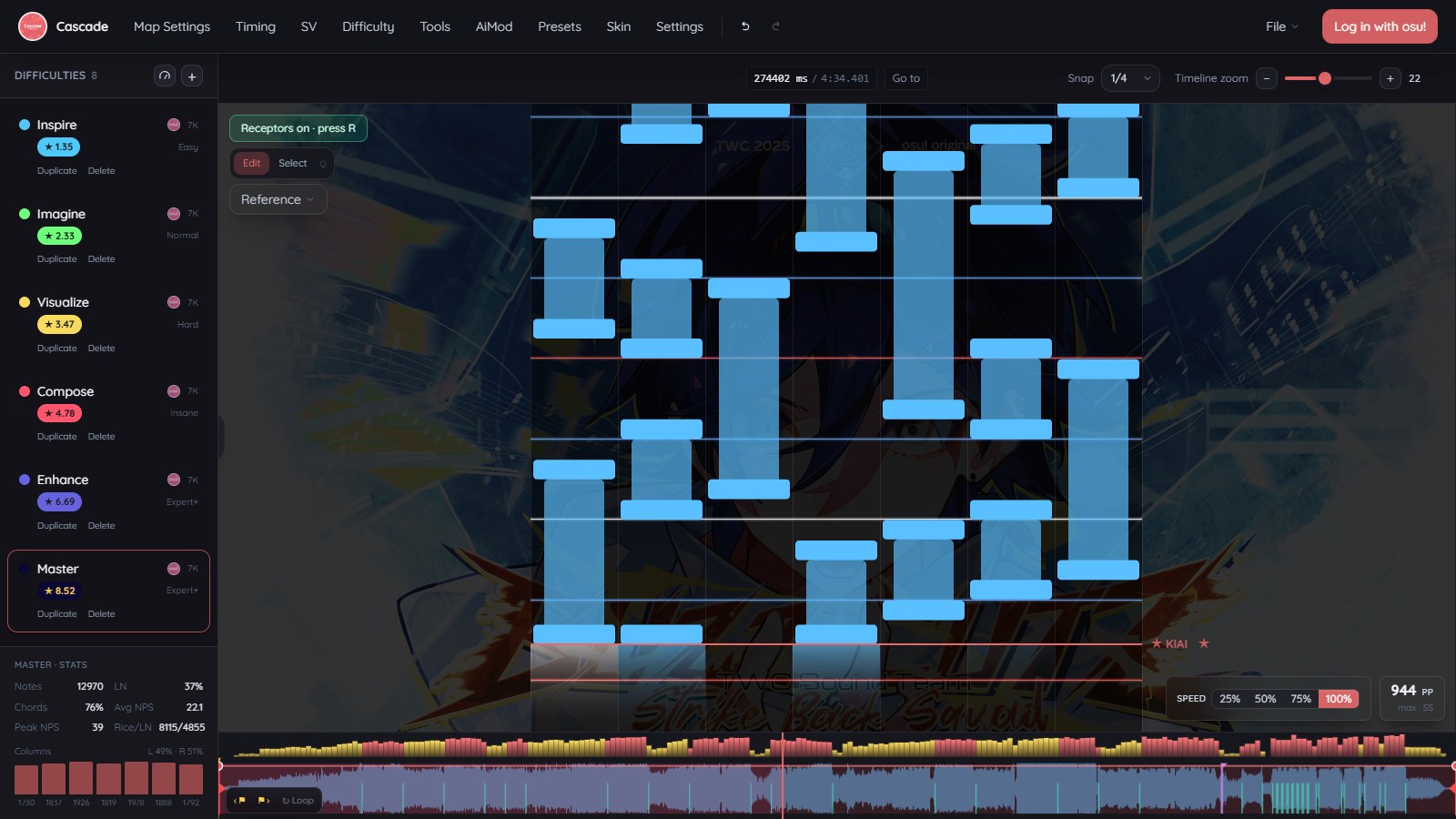
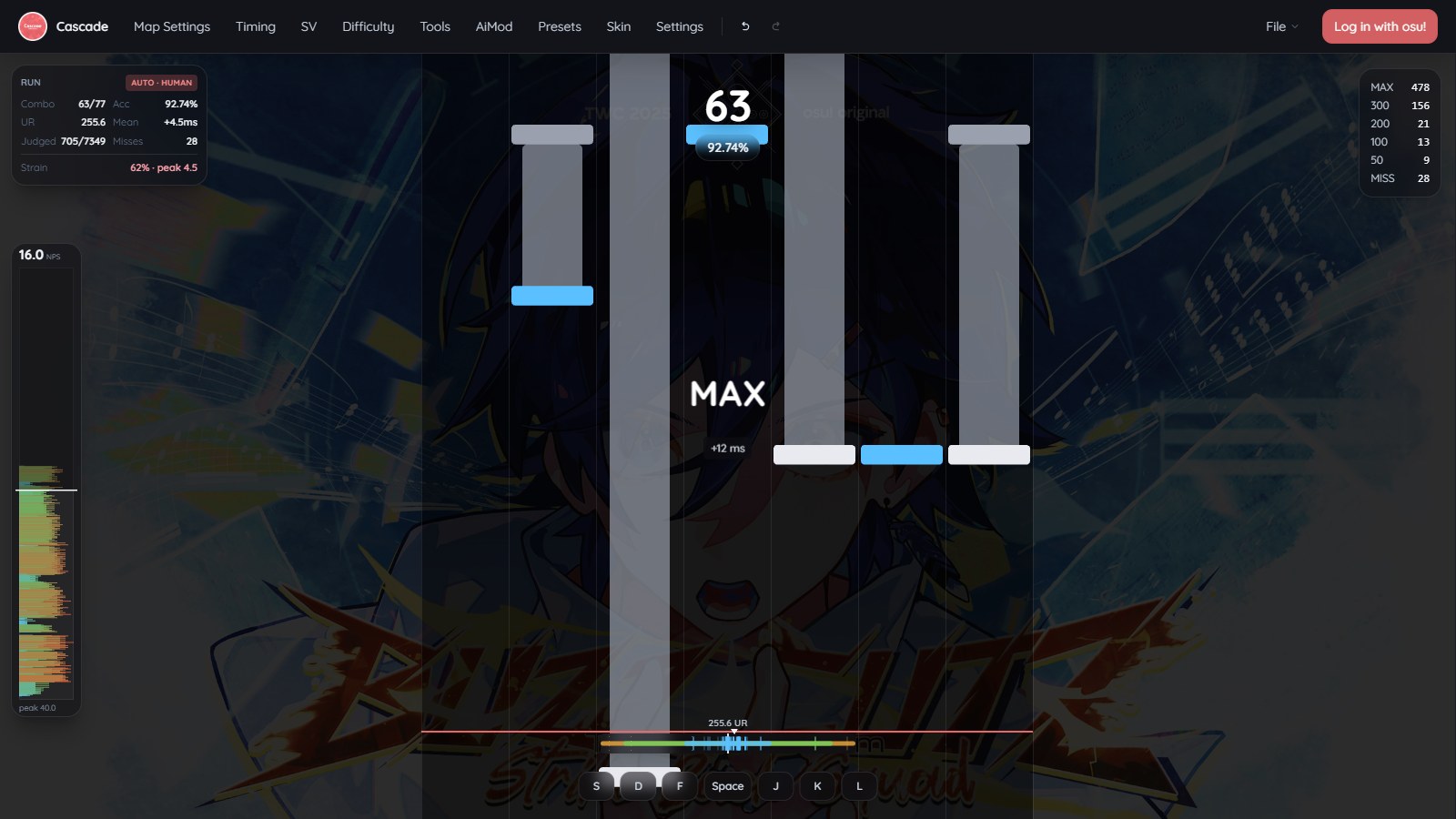
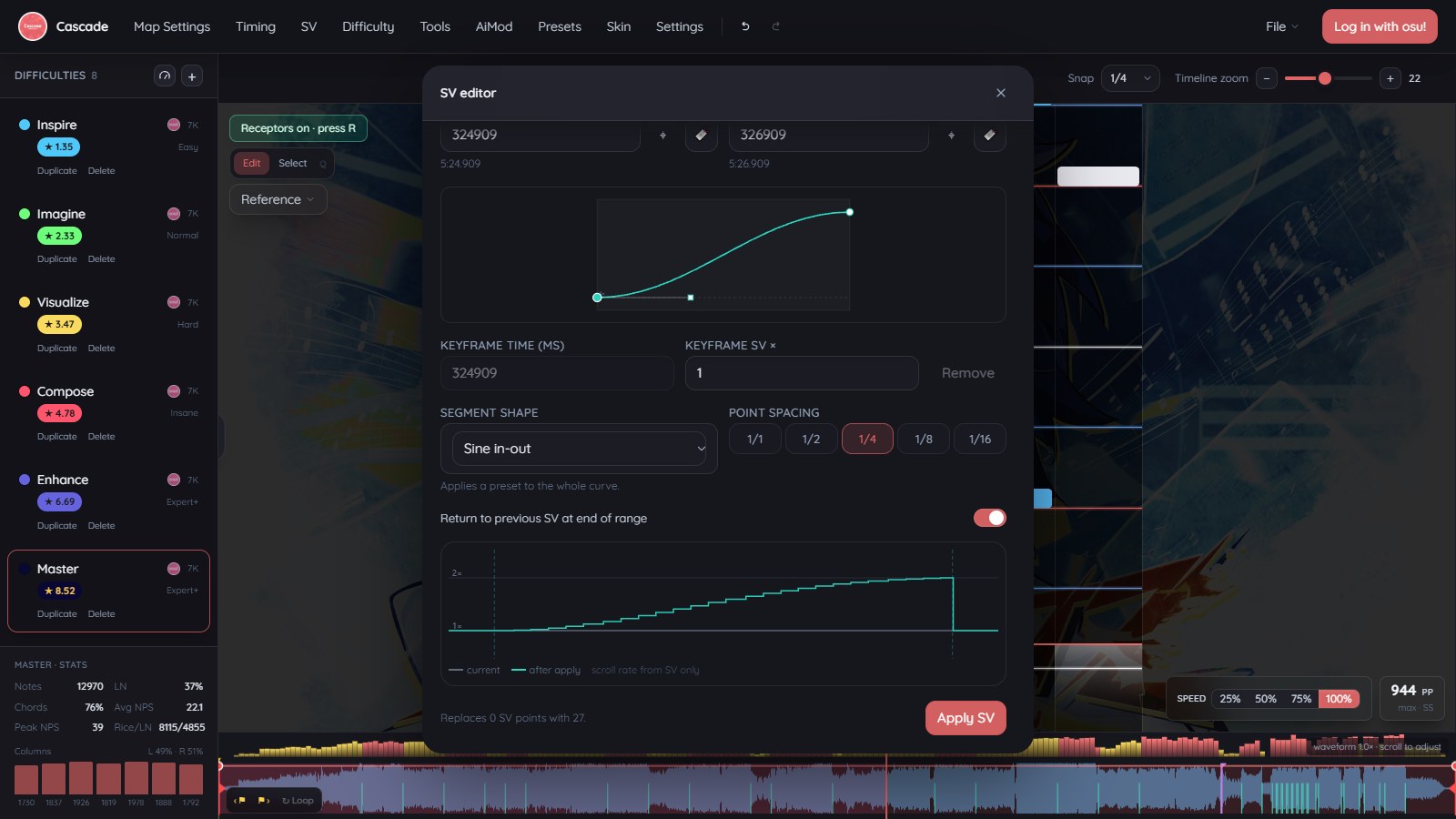
The builds are not code-signed yet, so SmartScreen shows “Windows protected your PC”. Choose More info, then Run anyway.
The installers fetch Microsoft’s WebView2 runtime when it is missing. Windows 11 already has it, and the portable exe needs it too.
The macOS build is not signed by Apple yet, so the first launch is blocked. Right-click Cascade in Applications and choose Open, or allow it under System Settings, Privacy and Security.
Mark it executable with chmod +x before the first run. The deb and rpm packages install the usual way.
Reading the map currently open in osu! works on Windows only. Everything else in the editor behaves the same on all three systems.
Cascade checks for updates when it starts and installs them in one click, with a quick restart. You only need this page for the first install.
Prefer the browser? Open the web editor